Draw and erase
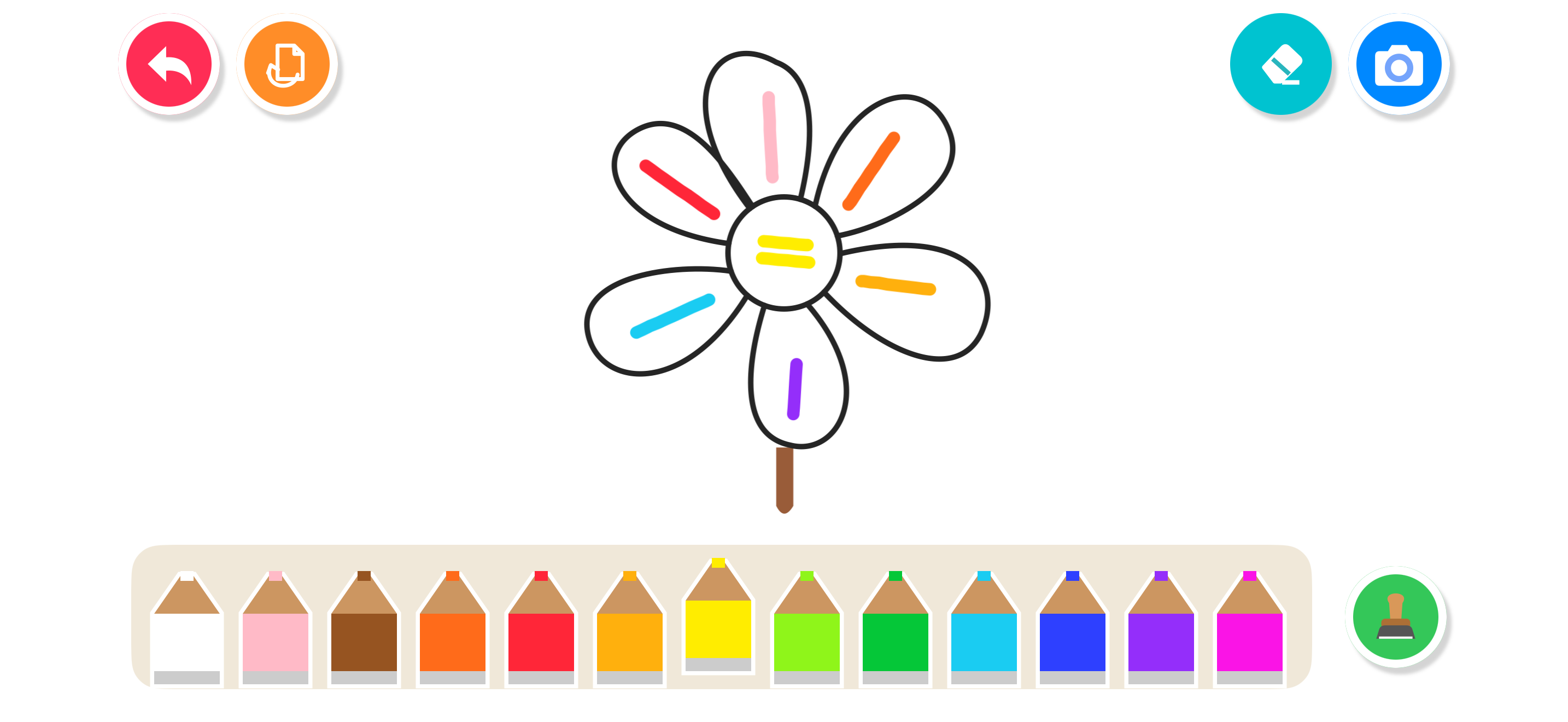
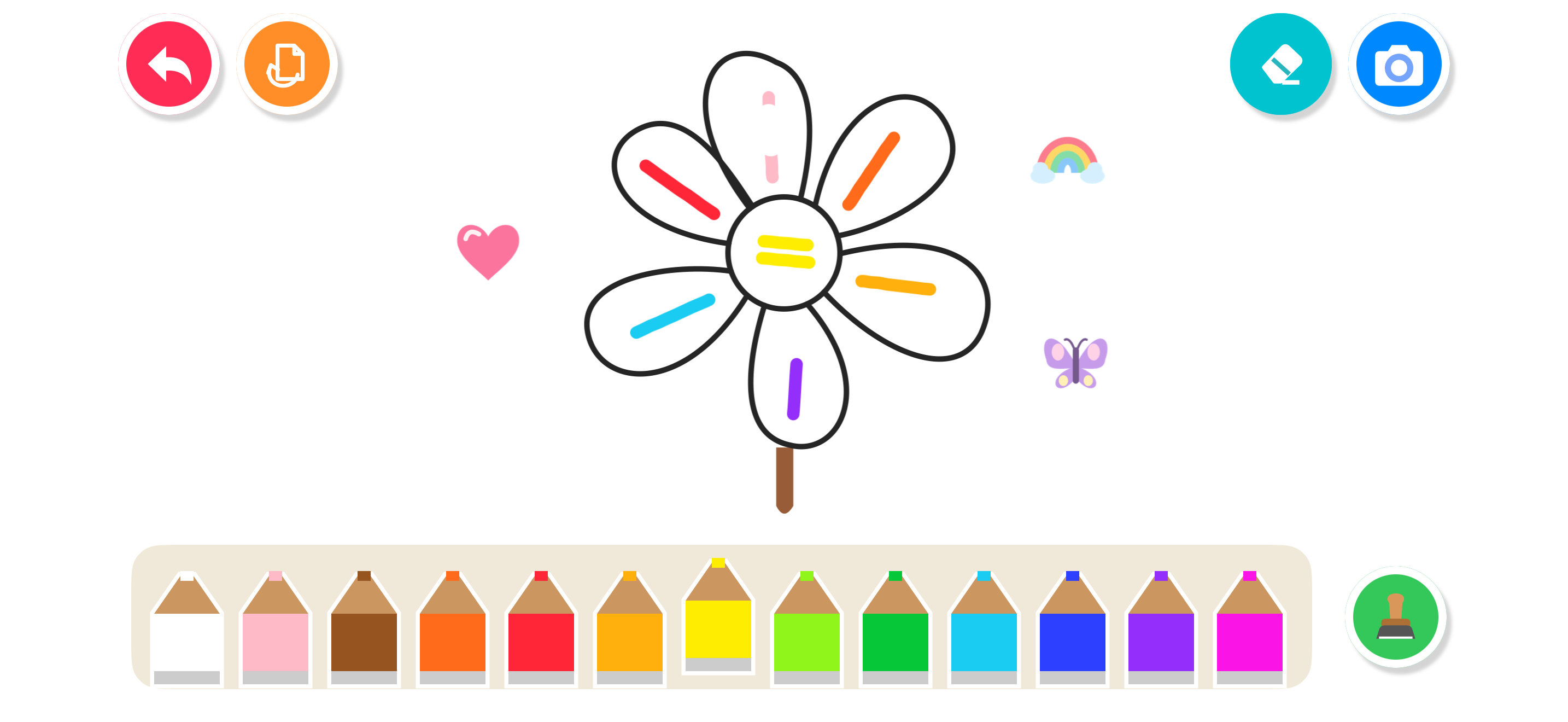
Use 14 colors to draw freely. The eraser removes paint while keeping the picture’s outlines and your stamps.
Kyrifix Draw Color & Play · Coming soon
Choose a picture, draw in your favorite colors, add stamps, and save your creation to Photos. For iPhone and iPad.
iPhone · iPad · iOS / iPadOS 17+
View help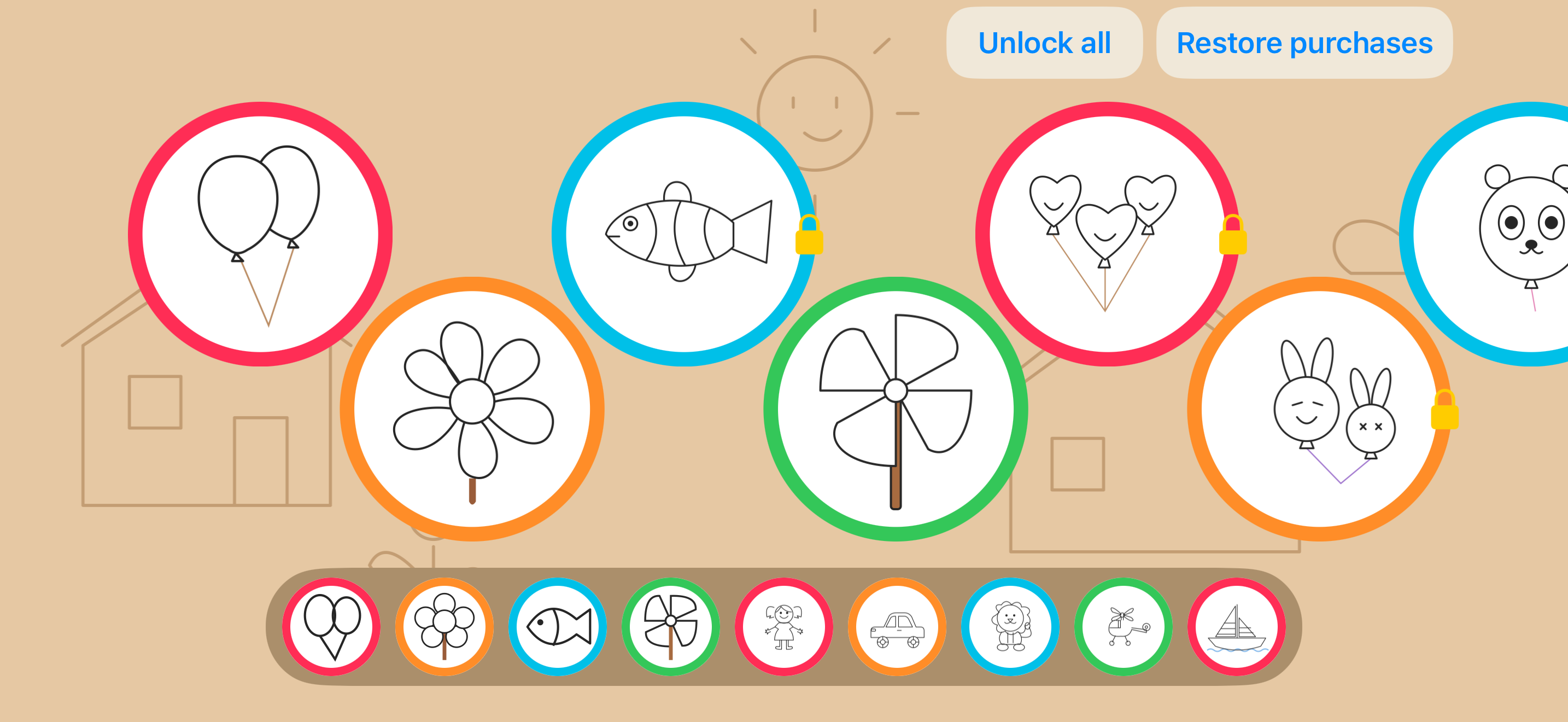
Screenshots show the app in English. The video uses Simplified Chinese.
Use 14 colors to draw freely. The eraser removes paint while keeping the picture’s outlines and your stamps.
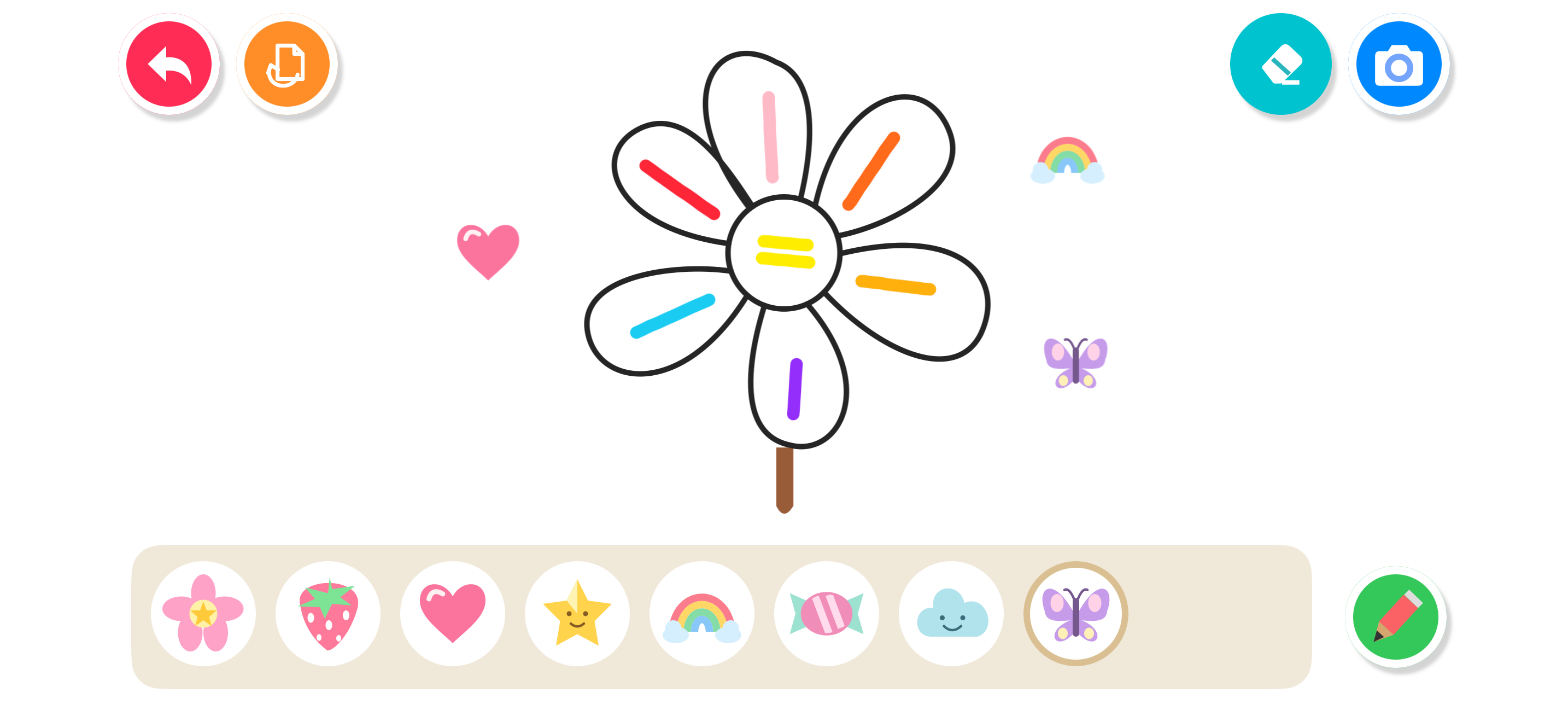
Choose a heart, rainbow, butterfly, or another stamp. Select a stamp to delete it as a whole.
Paint moves with windmill blades and other moving parts. Touching pauses the animation; it resumes about a second after every finger lifts.
The balloon bouquet, flower, and pinwheel are free. One purchase unlocks the remaining pictures. No subscription or ads.
App languages: Simplified Chinese, Traditional Chinese, English, German, French, and Spanish.
YouTube loads only when you select the button. Google then processes connection and playback information under its privacy policy. The player may show ads. Kyrifix Draw itself has no ads.
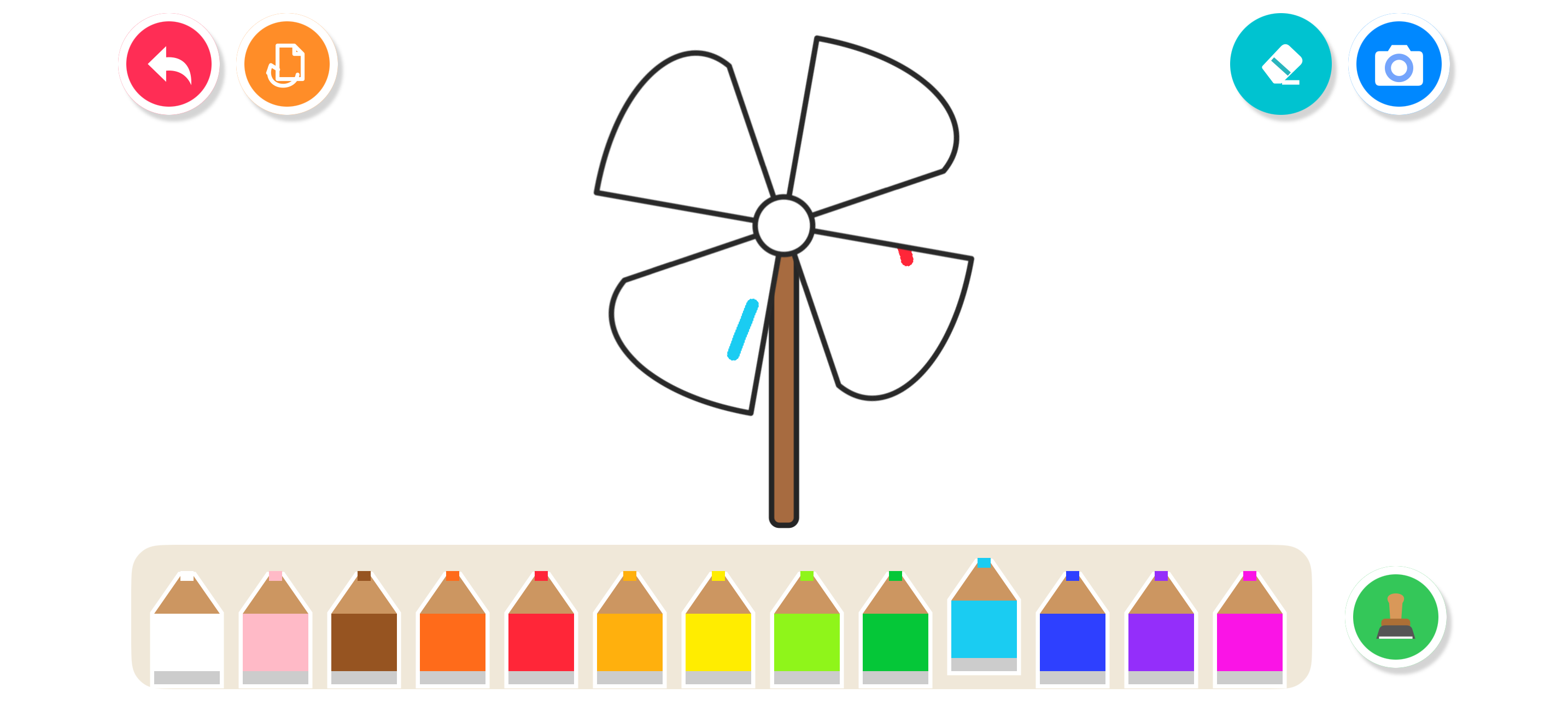
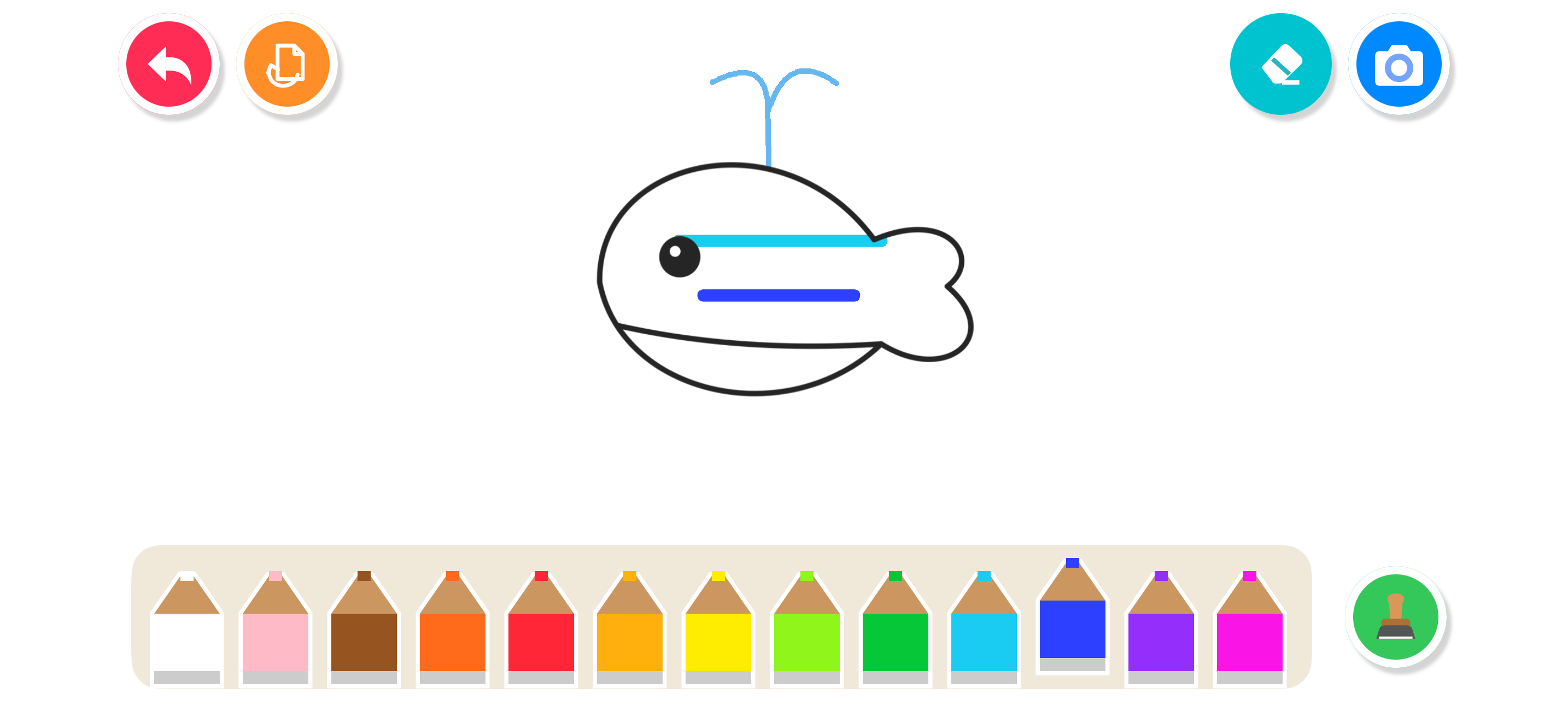
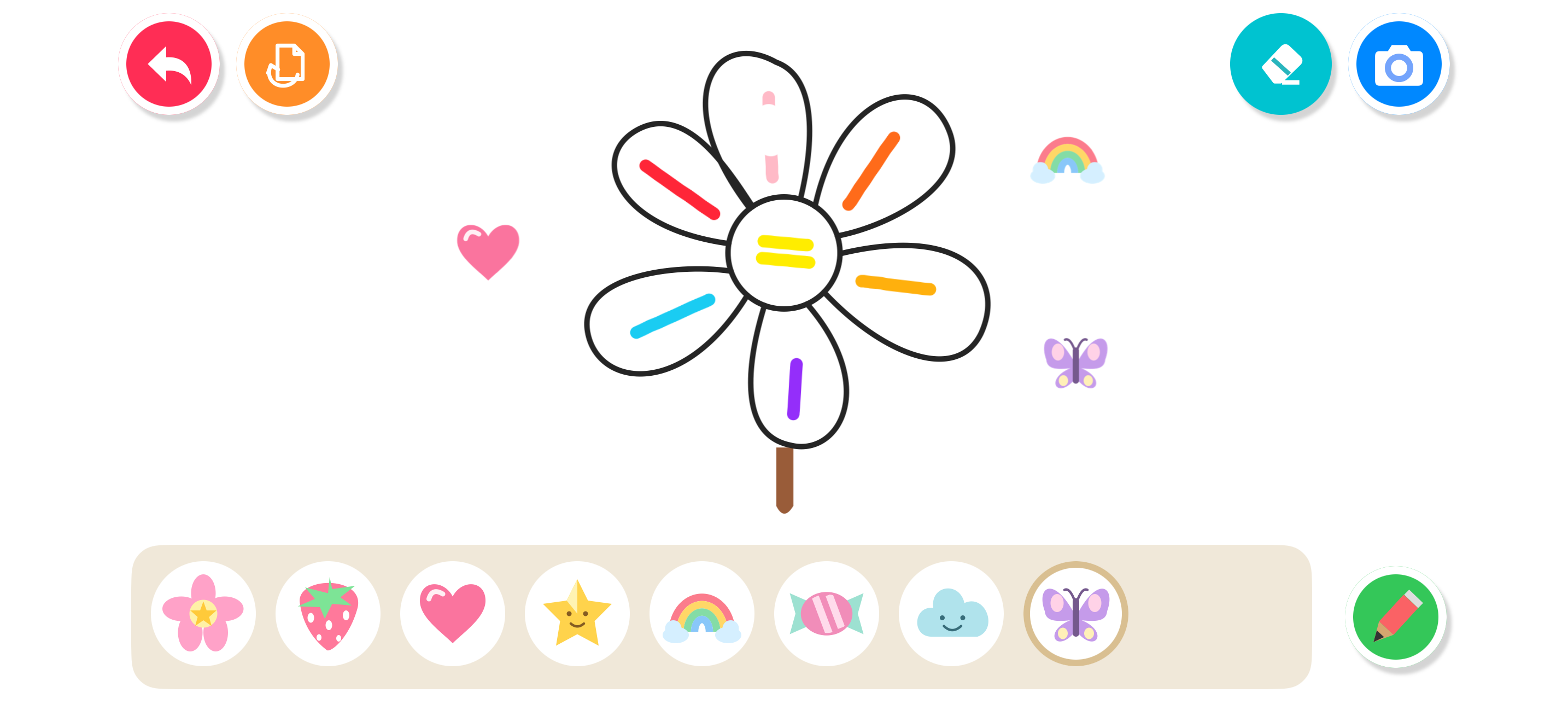
The balloon bouquet, flower, and pinwheel. One purchase unlocks the other pictures.
Choose a color and move your finger across the paper. You can draw across regions; the black outlines stay visible.
It removes paint on the paper and moving parts. Outlines and stamps stay. Select a stamp to delete the whole stamp.
Tap Save and allow access to add pictures to Photos. Your paint and stamps are saved without the toolbar or selection frame. If you denied permission, allow it in system settings and try again. The app does not browse existing photos.
You can still view and export it. Unlocking is required to continue editing.
Drafts stay in the app on your device. Kyrifix Draw does not upload them to our servers. Restore Purchases restores access to paid pictures, not drawing drafts.
Use the Apple Account that made the purchase. Tap Restore Purchases and complete the parent check. If access is still locked, email support with the app version and error message.
After you confirm, Restart clears the paint and stamps on the current picture. Images already saved to Photos remain.